
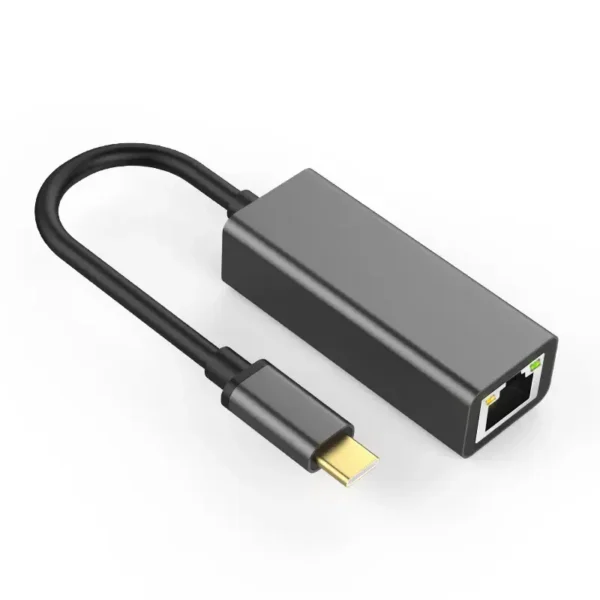
USB-C Ethernet Adapter
$36.99
Free Standard shipping over $100
Free Express shipping over $250
The USB-C Ethernet Adapter connects your phone, tablet or laptop straight to your router or network through an ethernet cable, as a wired alternative to Wi-Fi, so you can stay online in airplane mode.
- Plug and play, with no software or drivers needed
- Works with USB-C phones, tablets and laptops that support ethernet adapters, including many Android devices, iPads, MacBooks and iPhone 15 and newer
- A wired connection, which is typically faster and more stable than wireless
In stock
- Standard: Get it as soon as
- Express: Get it as soon as
- 30-day returns
- Free US shipping over $100
- Shielding specialists since 2004
- Free advice before you buy
Product details
USB-C to Ethernet Adapter for Phones, Tablets and Laptops
Wi-Fi is not always up to the job. This USB-C to Ethernet RJ45 adapter connects your phone, tablet or laptop straight to your router or network, giving you a wired connection whenever you need one. A wired connection is typically faster and more stable than a wireless one, and with airplane mode switched on the device is not transmitting over Wi-Fi or cellular, so a wired connection means no wireless transmission from the device. Browse our full range of EMF phone protection.
How to Use It
- Plug the adapter into the USB-C port on your phone, tablet or laptop.
- Run an ethernet cable from your router or network socket into the adapter's RJ45 port. The adapter does not come with an ethernet cable, so you will need your own.
- Switch on airplane mode. You stay online through the wired connection.
This adapter does not have a charging port, so your device does not charge through it. Charge your device before you start, or use a separate charging method if your device allows it.
Compatibility
The adapter suits USB-C phones, tablets and laptops that support ethernet adapters, including many Android devices, iPads, MacBooks and iPhone 15 and newer. It will not work with devices that do not have a USB-C port. If your device has a Lightning port, you need our Lightning to Ethernet RJ45 adapter instead.
Why Go Wired?
- Smoother calls and streaming: fewer dropouts, less buffering and steadier video calls than a crowded Wi-Fi network.
- Consistent speeds: a wired connection is not affected by walls, distance or other networks nearby.
- No signal needed: stay online in airplane mode, even where Wi-Fi coverage is poor. This is internet only: traditional calls and texts need the cellular network.
It Replaces Wi-Fi, Not Cellular
The adapter is a replacement for Wi-Fi. It does not replace your cellular connection. With airplane mode on, your device cannot make or receive traditional phone calls or text messages, because those use the cellular network. Internet-based apps, such as browsing, email, streaming, video calls and messaging apps, work over the wired connection. If you need traditional calls and texts, switch airplane mode off for those times.
Part of a Low-Wireless Setup
A wired connection covers your desk time. For time away from the desk, the BlocSock anti-radiation case reduces the radiation reaching your body when you carry the phone.
- SKU
- RJ45ANDROID
- Weight
- 0.075 kg
| Specification | Details |
|---|---|
| Type | USB-C to Ethernet RJ45 adapter |
| Connectors | USB-C plug; RJ45 ethernet port |
| Software | None needed: plug and play, with no drivers |
| Compatible devices | USB-C phones, tablets and laptops that support ethernet adapters, including many Android devices, iPads, MacBooks and iPhone 15 and newer |
| Not compatible with | Devices without a USB-C port; for Lightning devices use the Lightning to Ethernet adapter |
| Charging port | None |
| Works in airplane mode | Yes |
| Ethernet cable | Not included |
It is an adapter that plugs into a USB-C port and gives you an RJ45 ethernet port, so you can connect a phone, tablet or laptop to your router with an ethernet cable instead of using Wi-Fi.
Plug the adapter into the USB-C port, run an ethernet cable from your router or network socket into the adapter, and switch on airplane mode. You stay online through the wired connection.
USB-C phones, tablets and laptops that support ethernet adapters, including many Android devices, iPads, MacBooks and iPhone 15 and newer. It will not work with devices that do not have a USB-C port.
It works with iPhone 15 and newer, which have a USB-C port. For an iPhone with a Lightning port, you need our Lightning to Ethernet RJ45 adapter instead.
Yes. You can stay online in airplane mode through the ethernet connection, even where Wi-Fi coverage is poor. Airplane mode also switches off your cellular connection, so you cannot make or receive normal calls or texts.
No. It is plug and play, with no additional software or drivers required.
Wired connections are typically faster and more stable than wireless ones, which means fewer dropouts and less buffering. The speed you get depends on your network and your router.
Not in the traditional way. The adapter replaces Wi-Fi, not your cellular connection. With airplane mode on, your device cannot make or receive normal phone calls or text messages. Internet-based apps, such as video calls and messaging apps, work over the wired connection. If you need traditional calls and texts, switch airplane mode off.
No. This adapter has no charging port, so your device does not charge through it. Our Lightning to Ethernet RJ45 adapter does have a charging port, but it only works with devices that have a Lightning port.
No. You will need your own ethernet cable to connect the adapter to your router or network socket.
The USB-C Ethernet Adapter is $36.99.
Yes, we accept returns within 30 days. See our returns policy for details.
Yes. If you are unsure whether the adapter works with your device, speak to an expert for free advice before you buy.
Related products
-
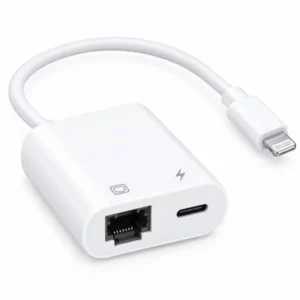
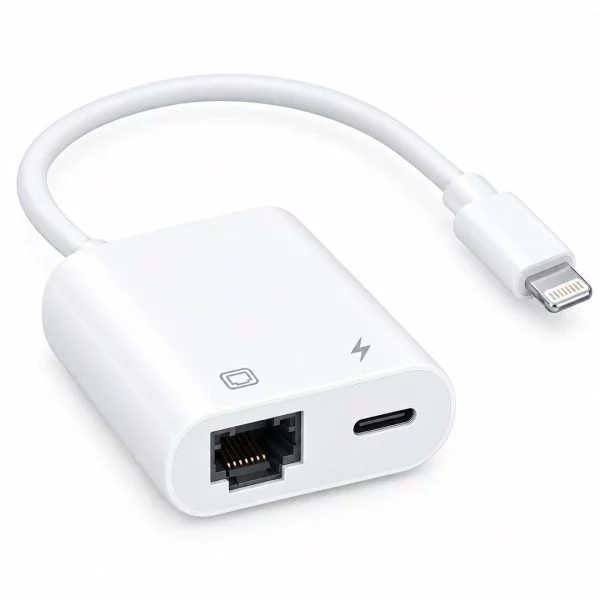
Lightning to Ethernet RJ45 Adapter for iPhone
Wired iPhone connection, with airplane mode on
-
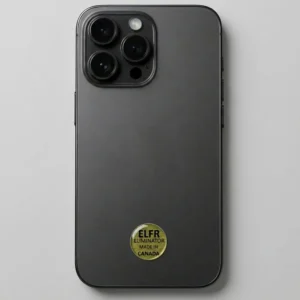
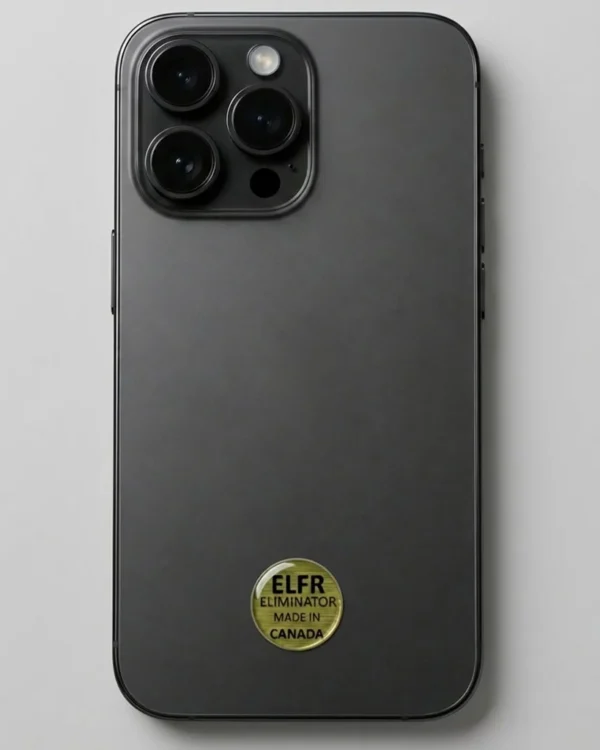
EMF Radiation Harmonizing Sticker
Zinc and copper sticker, with one per device
-
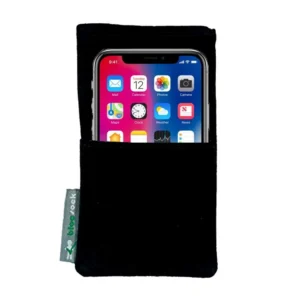
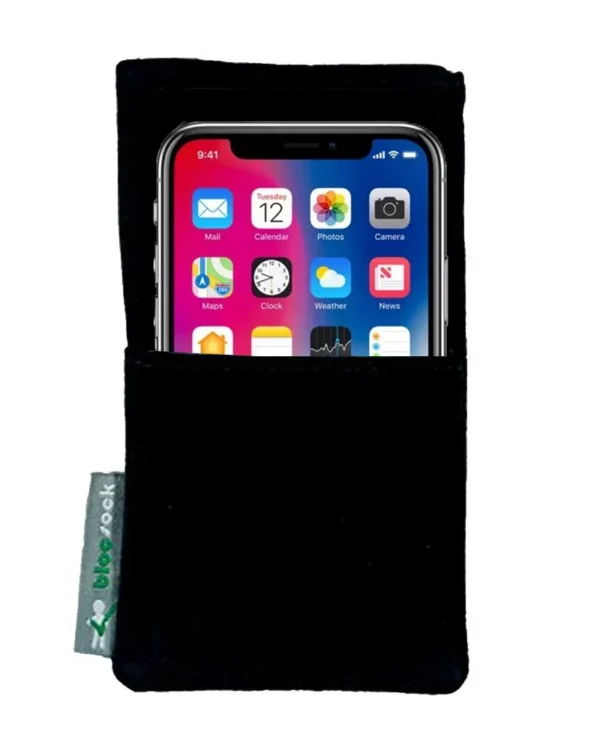
Blocsock Anti-Radiation Cell Phone Case
Shielding phone pouch, with 96% less radiation
- Regular 6.3" x 3.5"
- Large 6.7" x 3.9"
- Jumbo 7.5" x 4.3"
 USB-C Ethernet Adapter
$36.99
USB-C Ethernet Adapter
$36.99